


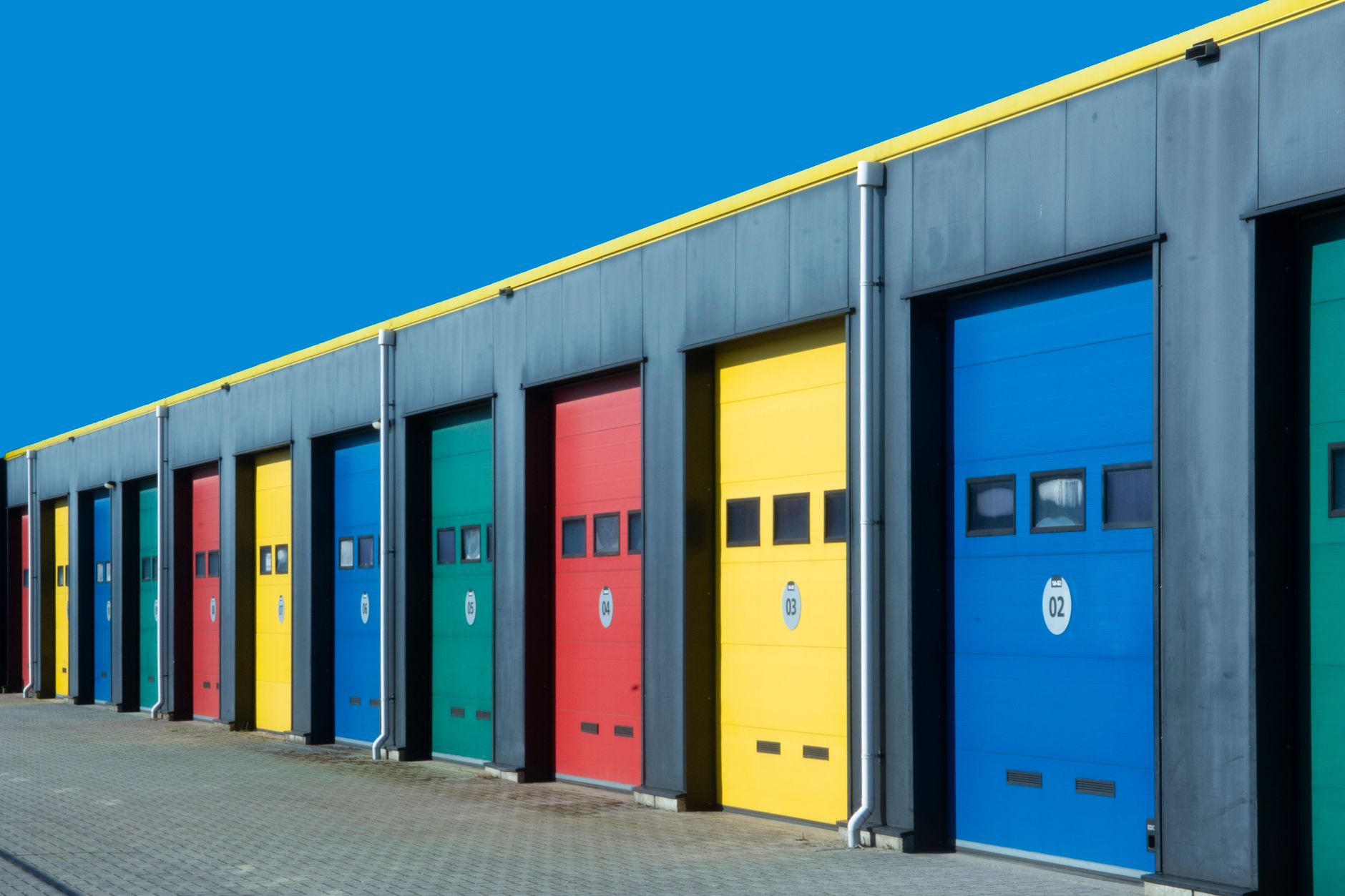
Garage Door Marketing Automation From the Spring Call to the New Door
Garage door marketing automation built around how your shop actually works: spring and opener repairs booked and texted the same day, new-door quotes followed up while the household decides, and signed installs tracked from final measure through order, delivery and install day. Your office stops answering where-is-the-tech calls, and the worn parts your techs flag come back as dated follow-ups.
Garage Door Marketing Automation for Snapped Springs and Special-Order Doors
Garage door marketing automation has to keep up with two jobs that look nothing alike. A snapped torsion spring traps a car in the garage at seven in the morning, and that homeowner wants a truck in the driveway today. A new insulated door with windows starts with a measure, turns into a quote with a few styles and colors, waits while the household argues about it, then sits on order for weeks before a crew can hang it.
A single job list treats both the same and fails both. The repair call needs confirmations and arrival texts within the hour; the install needs patience, a clean handoff from sales to the order desk, and someone keeping the buyer informed while the door is in transit. Our setup starts from that split and then catches the parts techs point out on the way out the door, like worn rollers, frayed cables and a tired opener, that the homeowner chose to leave for later.
A Garage Door CRM With Separate Repair, Install and Commercial Lanes
Inside the garage door CRM, the work splits three ways. A repair ticket moves through booked, tech assigned, at the door, fixed, billed and collected, and any ticket that lingers at one step longer than your shop allows turns red on the board. Installs run from measure booked to quote sent, quote accepted, deposit, final measure, ordered, delivered, scheduled, installed and closed. Commercial work, the roll-up and sectional doors on warehouses and storefronts, gets its own lane because the person who calls is rarely the person who approves the work or pays the bill.
Every job is filed against the address and the door itself, not only the caller's phone number. The tech records the door size, the opener on the wall and what was replaced, so the next visit starts with that history. When a repair call ends with the tech recommending a new door, one tap moves the record into the install lane with the notes and photos attached, and the repair ticket closes on its own.
Garage Door Estimate Follow-Up for New-Door Quotes
New-door quotes stall for ordinary reasons. The homeowner liked two styles and could not pick, a spouse wanted to see the color against the siding, or another shop's quote came in and nobody explained the difference. Garage door estimate follow-up is written for those moments rather than for a generic still-interested message.
A spring or opener repair quote that the homeowner did not approve on the spot gets a short sequence, because that customer is still parking in the driveway and wants the door working. A new-door quote gets the longer version: on day two, the quote again with the styles they looked at and the financing options your shop offers; on day five, a plain note on what the install day involves and how long the old door takes to come down; later, an offer to bring samples back or re-measure, then spaced check-ins that keep the quote open without nagging.
A signed quote, a lost-quote mark, a reply from the homeowner or the last scheduled message ends the sequence. Nobody gets a still-deciding text after the deposit has cleared.
Handing a Signed Install From the Office to the Crew
The weeks between a signed quote and install day are where garage door installs go wrong. The workflow holds the job until the deposit is confirmed, then opens a final-measure task, because a door ordered on the salesperson's rough numbers is a door that may not fit the opening. Only when the measurements are entered is the order step released, and the expected arrival date goes on the job record.
From there the customer hears from the shop on a schedule: an order-confirmed message, an update partway through the wait, and an arrival notice that moves the job into scheduling and offers install windows. If a delivery slips or a door arrives damaged, the job flags a person in the office instead of letting the date pass quietly, and the customer gets a heads-up before the crew would have shown up. The week before the install, a checklist goes out: clear the space in front of the door, plan where the car will sit, and confirm there is an outlet near the ceiling if the job includes a new opener.
Repair-Day Texts That Answer the Where Is the Tech Call
With a car stuck behind a dead door, the homeowner's next move is usually to call the office and ask how much longer. The confirmation goes out the moment the slot is set, with the arrival window and a prep note your shop writes and approves. For a broken spring or a door off its track, that note never asks the homeowner to adjust, release or force anything; springs and cables under tension are the tech's job, and the message says a person will call if they have questions before then.
The homeowner learns which tech is coming, with a face to match the van, and gets a second message as that tech pulls away from the job before. If that call ran long because a second spring or a bent track section turned up, the message says so instead of letting the window slide. On completion the customer receives the invoice and, where the tech took them, photos of the new springs, cables or rollers. Those updates come from buttons the tech presses in the field, so dispatch knows where each van stands without picking up the phone.
Garage Door Maintenance Reminders and the Repairs Customers Put Off
A garage door is opened and closed every day for years, so the next visit is usually predictable. Garage door maintenance reminders are set at job close based on the work done: a tune-up date after a spring replacement, a check-in as an opener ages, a scheduled service visit for commercial doors where the account has agreed to one. The reminder carries a booking link and a note on what was done last time, so it reads like it came from someone who has seen the door.
Declined recommendations get the same treatment. The tech marks what the homeowner said no to, such as worn rollers, a frayed cable or an opener that strains, and the reason. The system schedules a plain follow-up after a few months and adds a note to the address so the next tech can raise it again in person. Someone who already watched your tech test their door is far easier to book than a stranger.
Garage Door Follow-Up Automation After the Invoice
Closing a ticket also starts the billing and aftercare messages. Homeowners who leave a repair bill open hear from the shop twice, each time with the payment link, before the balance lands on the office list for a phone call. Commercial invoices route to the accounts payable contact on the account rather than the tenant who called. A check-in shortly after an install asks whether the door runs quietly and the remotes are programmed, which catches a misadjusted opener while it is still a short return trip.
That garage door follow-up automation also feeds the owner's view of the business: how many quotes sit undecided and for how long, which techs flag replacement doors and how many reach a signed install, and which installs are waiting on delivery. A homeowner who replies that the new door works well is handed to the team that looks after your public feedback.
Frequently Asked Questions
Can a garage door CRM move a spring repair call into the install lane when the tech recommends a new door?
Yes. The tech moves the record from the truck, the repair ticket closes, and the install lane opens with the door size, opener notes and photos already attached, so the person preparing the quote does not have to call the homeowner back for details.
Does garage door estimate follow-up stop once the new door is on order?
Yes. Accepting the quote ends the estimate sequence and starts the deposit, final-measure and order steps. From then on the homeowner receives order and delivery updates instead of follow-up messages about the quote.
Can maintenance reminders for a commercial roll-up door go to the property manager instead of the tenant?
Yes. Each commercial account stores who requests service, who approves it and who pays, so reminders and invoices go to the contacts your shop chooses for that building.
From the Broken Spring to the Next Tune-Up

Split Repairs, Installs and Commercial
We set up your garage door CRM with separate lanes for same-day repairs, new-door installs and commercial accounts, and file every job, door size, opener note and photo against the address so the next tech sees what the last one found.

Write the Quote and Install Messages
We build the new-door quote sequences with financing up front, the deposit, final-measure, order and delivery handoffs, and the repair confirmations and arrival texts, each with stop rules so nobody gets a quote reminder after the deposit clears.

Date the Next Visit at Job Close
When a job closes, the system sets the next tune-up or commercial service date, schedules follow-ups on the repairs the homeowner put off, nudges unpaid invoices and sends a check-in after each new door goes up.
What the System Keeps for Each Door
Door records
Size, opener and parts replaced, filed to the address
Order tracking
Final measure, order and arrival dates on every install
Put-off repairs
Worn rollers and frayed cables turned into dated follow-ups
Stop Letting New-Door Quotes Go Quiet
On one call we walk through how a spring repair, a new-door quote and a commercial roll-up account move through your shop today, and show where each one would get its own messages.

Let's talk about your growth
Tell us about your business and we'll show you exactly where AI can win you more customers.