


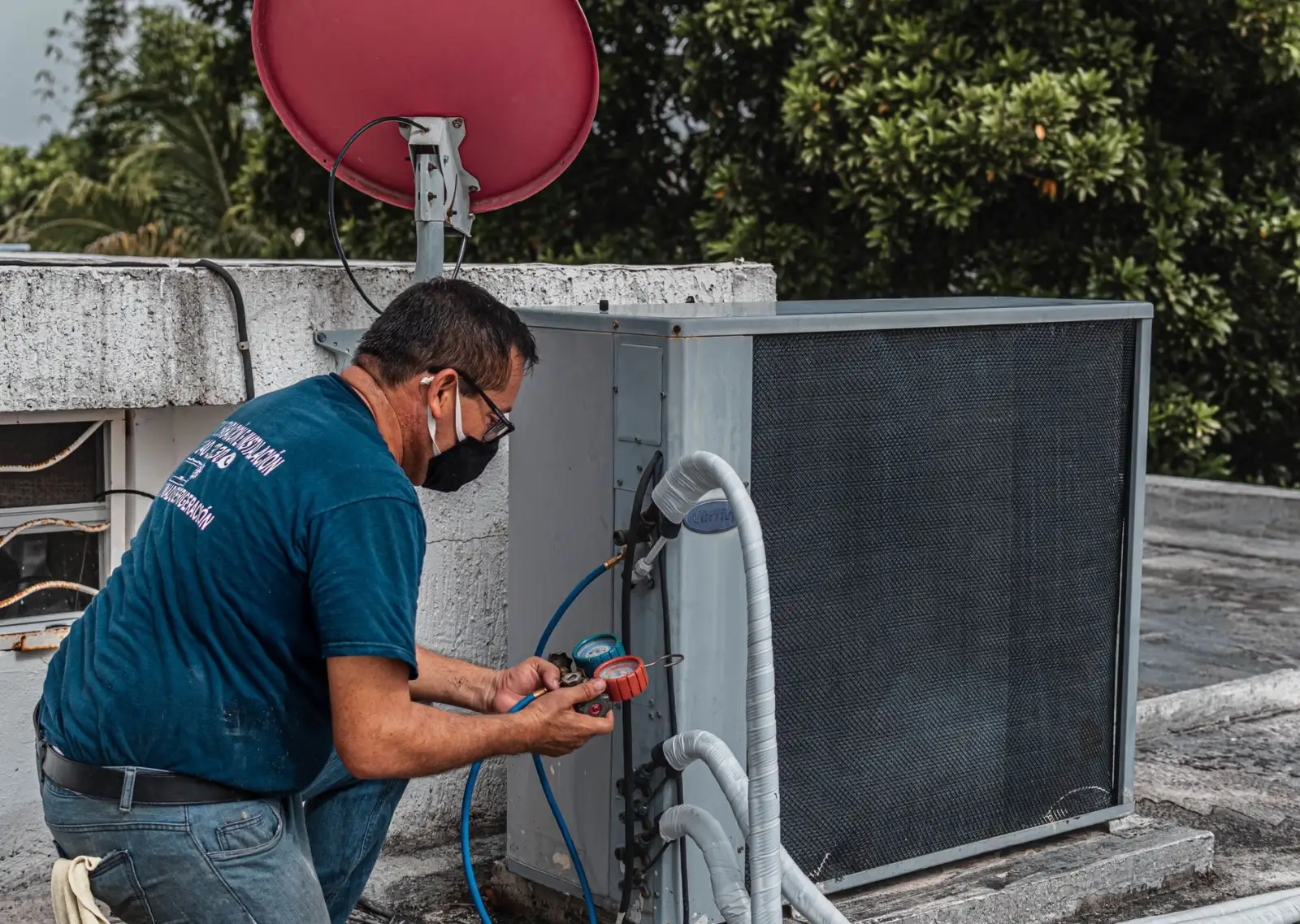
HVAC Website Design Built Around the Call You Get Today
HVAC website design from Qeystone names pages after the symptoms homeowners describe, gives the homepage a cooling, heating and tune-up mode the office can switch, and splits repair booking from the in-home replacement assessment. Install galleries, trust signals a homeowner can check and call tracking sorted by job type show the owner which pages fill the schedule.
Pages Named After What the Homeowner Hears
HVAC website design has to start where the homeowner starts, and almost nobody starts with the equipment. They start with a symptom: the vents are blowing warm air, the furnace clicks and never lights, there is ice on the copper line by the outdoor unit, water is pooling under the air handler in the attic, the heat pump sounds like it is grinding. Someone who does not know whether they own a heat pump or a straight air conditioner will still recognise their problem in a plain sentence.
So the navigation carries a symptom menu next to the usual service list. Each symptom page says what the problem usually points to, what the homeowner can safely check first, such as the filter, the thermostat batteries and the breaker, and when to stop and book a visit. A visitor who checked the breaker and still has no cooling arrives at the booking form already knowing a technician is the next step, and the dispatcher hears a clearer description on the phone.
A Seasonal Homepage That Swaps With the Weather
A heating and cooling business sells a different thing in each season. The first hot week fills the board with no-cool calls, the first cold snap does the same for furnaces, and the shoulder months are when tune-ups and maintenance plans get sold. A homepage that promotes furnace repair in July tells a sweating visitor they landed in the wrong place.
Our HVAC web design builds the homepage hero and the first offer block as interchangeable modules: a cooling set, a heating set and a tune-up set, each with its own headline, photo and call to action. The office switches between them with one setting in the CMS, no developer and no redesign. A capacity line sits under the call button and the dispatcher can edit it on a busy day, so the site says booking tomorrow when tomorrow is the truth rather than promising a same-day visit the schedule cannot keep.
Service and Service-Area Templates for an HVAC Contractor Website
Every page under the homepage of an HVAC contractor website is built from one of a few templates. The repair template covers one system type at a time: central air, heat pump, gas furnace, ductless mini-split, boiler where the shop works on them. Each one has a symptom list, what a diagnostic visit involves and a repair-or-replace section that explains the question without pretending to answer it online. The replacement template adds the in-home assessment, the brands the shop actually installs and a link to its financing application. Brand pages exist only for manufacturers the shop is set up to sell and service.
Service-area pages come from the job records, not from a list of town names. A page for an older suburb talks about the boilers and the houses without ductwork that make ductless systems common there; a page for a newer subdivision talks about builder-grade equipment reaching the end of its life in the same few streets. Each page carries completed jobs from that town. Where a town has nothing true and specific to say, it shares a regional page instead of getting a thin one.
Two Forms: a Repair Booking and a Replacement Assessment
A repair visitor and a replacement visitor need different forms, and one generic contact box fails both. The repair form asks for the symptom, the system type if known, the address and a phone number, and it offers the arrival windows the dispatch board actually has open. Where the shop's dispatch software accepts online bookings, the form writes straight into that schedule instead of into an inbox someone reads at lunch. Anything urgent, such as no heat with an infant or an older person in the home, routes to a call, not a slot.
The replacement form books an in-home assessment rather than producing a number. It asks how old the house is, which rooms are uncomfortable, whether there is ductwork and whether the homeowner wants to talk financing. It does not show a price, because equipment sizing depends on the house, and a figure produced before anyone has walked the house is one the comfort advisor has to walk back. Maintenance plan sign-up sits on its own short page with an enrollment form, so a member renewing never fills in the repair form.
Proof From the Utility Room, and Trust Signals That Hold Up
Galleries on a heating and cooling site prove workmanship that homeowners rarely see. We build them around the install: the old furnace beside the new one, a clean and labeled electrical disconnect, a level condenser pad, a sealed plenum, neatly routed venting, a ductless head mounted square. Each photo is captioned with the system type and the town, never a price, and techs can upload from the job through a simple form so the gallery keeps growing without the office.
Trust signals have to survive a homeowner checking them. The license number appears as it reads on the state lookup, manufacturer dealer badges appear only while the shop's status is current, and reviews come from a live feed with the source named, not a typed quote. Technician pages carry a real photo and a first name, because the visitor is deciding who to let into the house and down into the basement.
Web Design for HVAC Contractors Whose Customers Are Uncomfortable
The person on the site is often in a hot upstairs bedroom or a cold kitchen, on a phone with weak signal. Web design for HVAC contractors puts the call button in a fixed header at thumb height on every page, keeps the repair form short enough to finish with one hand and opens the number pad for the phone field.
The heavy pieces are the scheduling widget, the review feed, the financing embed and chat. Each loads only when the visitor reaches it or taps it, so the symptom text and the call button are on screen first. Gallery grids load small thumbnails and fetch the full photo on a tap; the hero image is sized per screen and reserves its space so the call button never jumps under a thumb.
An HVAC Marketing Website That Separates Repair Calls From Replacement Leads
A single call count tells the owner nothing about which pages pay. An HVAC marketing website should report repair bookings, replacement assessments and maintenance sign-ups separately, because one replacement lead is worth a season of filter-change calls. We give each traffic source its own tracking number, tag every form by job type and pass both into the CRM, so the report shows which symptom pages and which towns produced booked assessments, not just which pages were busy.
A rebuild keeps the old site's earning pages. Before anything is redesigned, every existing URL is mapped to its new template or redirected, so the furnace page that has rung the phone for years keeps its address. The seasonal articles that feed these templates are written by the team that writes for your account; the structure, forms, speed and tracking are what this service builds.
Frequently Asked Questions
Should an HVAC website let homeowners pick a repair time slot or only request a callback?
Offer real arrival windows when the form can read the dispatch schedule, because a homeowner with no cooling wants a confirmed time. If the schedule cannot be read live, a callback request is more honest than a slot the office may not be able to keep.
How should an HVAC contractor website present financing without quoting rates?
Link to the lender's own application and describe the steps: apply, get a decision, then schedule the in-home assessment. Leave rates and terms to the lender's page, since they change and depend on the homeowner's credit.
What belongs on an HVAC service-area page besides the name of the town?
Completed jobs from that town, the housing stock and the equipment common there, such as older boilers or homes without ductwork, and the repair and replacement services offered in that area. A town with nothing specific to say is better served by a regional page.
How We Build an HVAC Contractor Website

We Map Your Calls to Pages
We sort your recent calls by symptom, system type and town, turn them into the symptom menu and service-area pages, and map every URL on your current site to a new template or a redirect.

We Build the Forms and Modes
We wire the repair booking form to your dispatch board, build the replacement assessment and maintenance plan forms, and set up the cooling, heating and tune-up homepage modes your office switches in one setting.

We Tune It for a Phone at Home
We test on mid-range phones over weak signal, hold the scheduler, review feed, financing embed and chat until they are needed, add tracking numbers per source, and tag every form by job type before launch.
What Each HVAC Build Ships With
Symptom menu
No-cool, no-heat, leak and noise pages in the navigation
Season modes
Cooling, heating and tune-up homepages, switched in one setting
2 form paths
Repair booking and in-home replacement assessment
Does Your Homepage Still Sell Furnaces in July?
We will walk through your site as a homeowner with no cooling would, then mark where a symptom page, a booking form tied to dispatch and a summer homepage belong.

Let's talk about your growth
Tell us about your business and we'll show you exactly where AI can win you more customers.